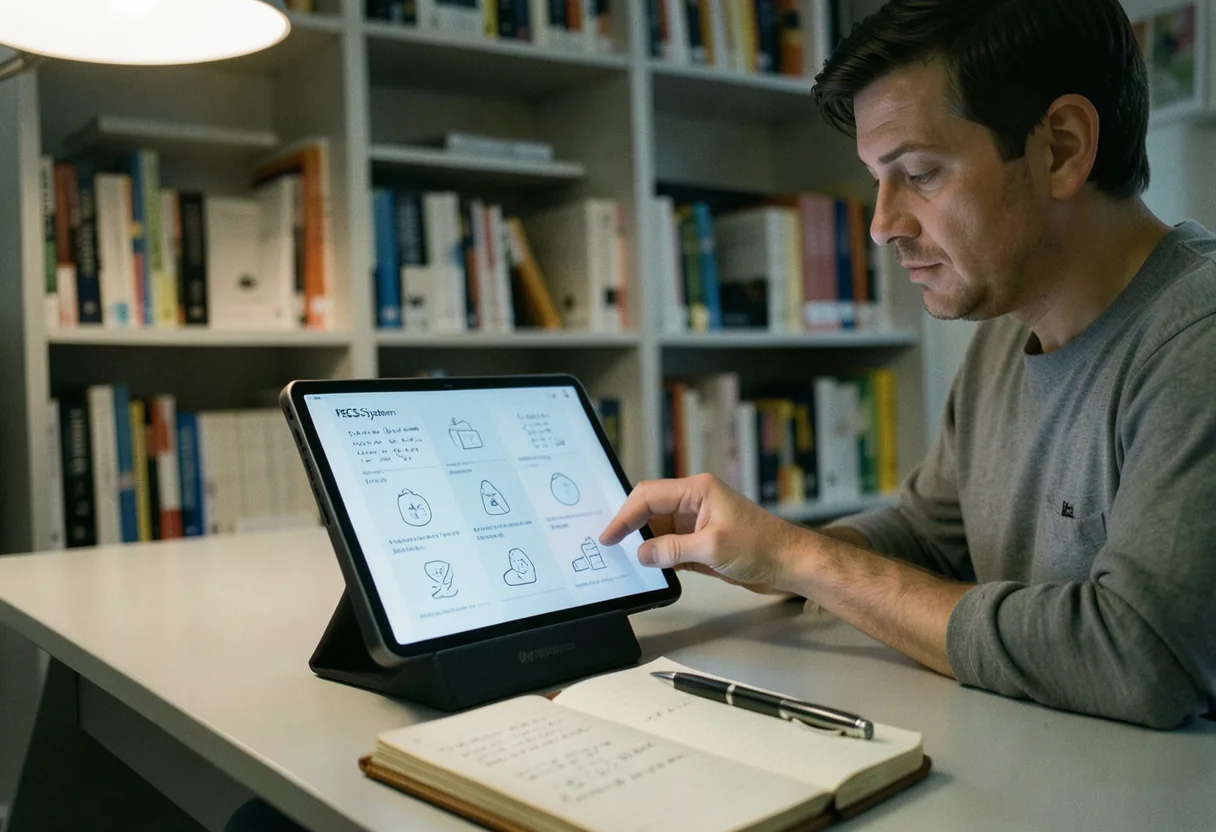
PECS System: Step-by-Step Training Guide
Jason Holloway · on 24 July 2026 · 6 min read · Last reviewed 24 July 2026
The PEC system is a picture-based communication method designed for individuals with limited or no verbal abilities, often used as an assistive speech tool. **Put simply**, it's like teaching someone to "talk" using images instead of words, step by step.
- PECS stands for Picture Exchange Communication System.
- It was developed in 1985 by Amy B. Bondy and Lori A. Frost.
- PECS is used by over 17,000 individuals worldwide, according to the Pyramid Educational Products.
- It is commonly used for people with autism, but can benefit anyone with communication difficulties.
Starting with the PEC system
To begin using PECS, you'll need to follow a structured training process. **The short version:** it's like learning a new language, where images replace words, and the exchange of these images becomes the foundation of communication.
What you need
- PECS books or boards
- Picture cards (initially, use real objects or photos)
- A trained instructor or therapist
- Patience and consistency
Step-by-step procedure
- **Choose a motivating item**: Start with something the individual really wants or needs.
- **Create picture cards**: Use real photos or simple drawings of the item.
- **Teach the exchange**: Hold the PECS book, guide the individual's hand to take a picture, and help them give it to you.
- **Reinforce the exchange**: Immediately give the item or activity they want after they hand you the picture.
- **Expand the vocabulary**: Gradually add more pictures and teach sentence structure (e.g., "I want [picture]").
- **Teach discrimination**: Help the individual learn to choose between several pictures.
- **Expand communication**: Teach them to use PECS in different environments and with different people.
- **Encourage initiation**: Prompt the individual to start conversations using PECS.
- **Fade prompts**: Gradually reduce physical guidance as the individual becomes more independent.

Common mistakes to avoid
When implementing the PECS system, it's crucial to steer clear of several pitfalls. **The bottom line:** it's not just about handing over pictures; it's about creating meaningful communication.
- **Assuming verbal speech will replace PECS**: PECS is a tool, not a temporary crutch. Some individuals may never develop verbal speech, and that's okay.
- **Rushing through phases**: Each phase builds on the last. Skipping steps can lead to confusion and frustration.
- **Ignoring motivation**: If the individual isn't motivated, they won't engage. Always use highly preferred items or activities.
- **Inconsistent implementation**: Everyone interacting with the individual should use PECS consistently.
- **Neglecting social interaction**: PECS should be used to foster communication, not just to get wants and needs met.
How to get an AAC device for free
AAC devices can be expensive, but there are ways to obtain them for free or at low cost. **Here is the gist:** it's like applying for a scholarship or grant to cover the expenses.
- **School-based services**: If the individual is a student, the school district may provide an AAC device through an Individualized Education Program (IEP).
- **Insurance coverage**: Some insurance plans cover AAC devices. Check with your provider for specifics.
- **Non-profit organizations**: Groups like the United Way or local charities may offer assistance.
- **Loans or rentals**: Some organizations loan or rent AAC devices at low or no cost.
- **Fundraising**: Crowdfunding platforms can help raise money for an AAC device.
What is the most popular AAC app?
The most popular AAC app varies by region and user needs, but **Proloquo2Go** is widely recognized as a leader in the field. **At its core**, it's like having a portable communication center on a tablet.
Key facts about Proloquo2Go
- Developed by AssistiveWare, it's available on iOS and Android.
- It features natural-sounding text-to-speech voices.
- The app offers customizable grids and vocabulary.
- It supports multiple languages and accents.
How much does an AAC device cost?
The cost of an AAC device can vary widely depending on the type and features. **In plain terms**, it's like comparing a basic phone to a high-end smartphone.
| Device Type | Cost Range | Examples |
|---|---|---|
| Low-tech AAC | $10 - $50 | PECS books, picture cards |
| Mid-tech AAC | $100 - $500 | Speech-generating devices (SGDs) with basic features |
| High-tech AAC | $1,000 - $10,000+ | Advanced SGDs with customizable features (e.g., Gestalt Language Processor) |
| AAC apps | $100 - $300 | Proloquo2Go, TouchChat |
What is the speech assist app for free?
There are several free AAC apps available, but **SpeakIt!** is a popular choice for basic speech assistance. **The short version:** it's like having a free, simple text-to-speech tool on your device.
Key facts about SpeakIt!
- Available on Android and iOS.
- Converts text to speech with various voice options.
- Supports multiple languages.
- Basic features are free, with in-app purchases for advanced options.
Who would benefit from an AAC app?
AAC apps can benefit a wide range of individuals with communication difficulties. **Put simply**, it's like offering a voice to those who struggle to speak.
- Individuals with autism spectrum disorder (ASD).
- People with developmental disabilities.
- Those recovering from strokes or traumatic brain injuries.
- Individuals with speech impairments due to conditions like ALS or cerebral palsy.
- Non-verbal children or adults.
Top AAC apps for Android
Android users have several excellent AAC app options to choose from. **At its core**, it's like having a variety of communication tools at your fingertips.
| AAC App | Key Features | Cost |
|---|---|---|
| TouchChat | Customizable layouts, natural-sounding voices, shareable pages | $299.99 |
| SpeakIt! | Text-to-speech, multiple language support, simple interface | Free with in-app purchases |
| CoughDrop | Cloud-based, multi-platform support, customizable vocabulary | Free basic version, subscription for advanced features |
| AAC Speech Assistant | Customizable pages, text-to-speech, word prediction | Free with in-app purchases |
How to choose the right AAC device for your child
Selecting the right AAC device for a child involves careful consideration of their unique needs and preferences. **The bottom line:** it's like finding the perfect tool to unlock their communication potential.
| Factor to Consider | Questions to Ask |
|---|---|
| Age and Developmental Stage | What is the child's cognitive and motor skill level? What are their communication goals? |
| Physical Abilities | Can the child handle a touchscreen, or do they need a device with physical buttons? |
| Vocabulary Needs | How extensive does the vocabulary need to be? Does the child need customizable options? |
| Portability | Will the device be used at home, school, and on the go? Does it need to be durable and lightweight? |
| Cost and Funding | What is the budget? Are there funding options available through school or insurance? |
Consulting with a speech-language pathologist (SLP) or an assistive technology specialist can provide valuable insights and recommendations tailored to the child's specific needs. **In my experience**, involving the child in the selection process, when possible, can also increase their acceptance and enthusiasm for using the device.
How to teach your child to use an AAC system effectively
Teaching a child to use an AAC system effectively requires patience, consistency, and a structured approach. **Here is the gist:** it's like teaching them a new language, where practice and reinforcement are key.
- **Start simple**: Begin with basic words and phrases that the child can use immediately to communicate their wants and needs.
- **Model the use**: Show the child how to use the AAC system by modeling the words and phrases yourself during daily interactions.
- **Provide opportunities**: Create situations where the child needs to use the AAC system to communicate, such as asking for a favorite toy or snack.
- **Use positive reinforcement**: Praise the child when they use the AAC system correctly to encourage continued use.
- **Expand gradually**: Introduce new words and phrases as the child becomes more comfortable with the basic vocabulary.
- **Practice consistently**: Incorporate AAC use into daily routines and activities to reinforce its importance and usefulness.
- **Seek professional guidance**: Work with an SLP or assistive technology specialist to develop a personalized teaching plan.
PECS system and other assistive speech tools can open up a world of communication for individuals with limited verbal abilities. By understanding and implementing these tools effectively, you can significantly improve the quality of life for those who rely on them.
Frequently asked questions
What is the PECS system and who benefits from it?
The Picture Exchange Communication System (PECS) is a method designed to teach nonverbal individuals to communicate using pictures. It’s especially effective for children with autism or other speech impairments. Users learn to exchange pictures for desired items, gradually building sentences. Studies show significant improvements in communication skills for many participants.
How do I start training someone in the PECS system?
Begin by identifying a motivating item the learner wants, like a favorite toy. Place the picture of that item on a velcro strip. Hold the strip in front of the learner and guide their hand to exchange the picture for the item. Repeat this process until the learner initiates the exchange independently. Consistency and positive reinforcement are key.
What are the phases of PECS training?
PECS training progresses through six phases. Phase one focuses on the initial exchange of a single picture for an item. Phase two introduces distance and persistence. Phase three teaches discrimination between pictures. Phase four introduces sentence structure with an “I want” card. Phase five adds descriptive phrases, and phase six includes commenting, not just requesting.
How long does it typically take to see progress with PECS?
Progress varies by individual. Some learners show improvement within weeks, while others may take months. Factors like the learner’s age, cognitive abilities, and consistency of training impact the timeline. Regular practice and reinforcement at home can accelerate progress. Patience and tailored adjustments are crucial for long-term success.
See also: PECS for Autism: Implementation Strategies.
See also: PECS for Communication: Visual Exchange System.