Symbol in Communication: Visual Aids Guide
Chad Sherman · on 24 July 2026 · 8 min read · Last reviewed 24 July 2026
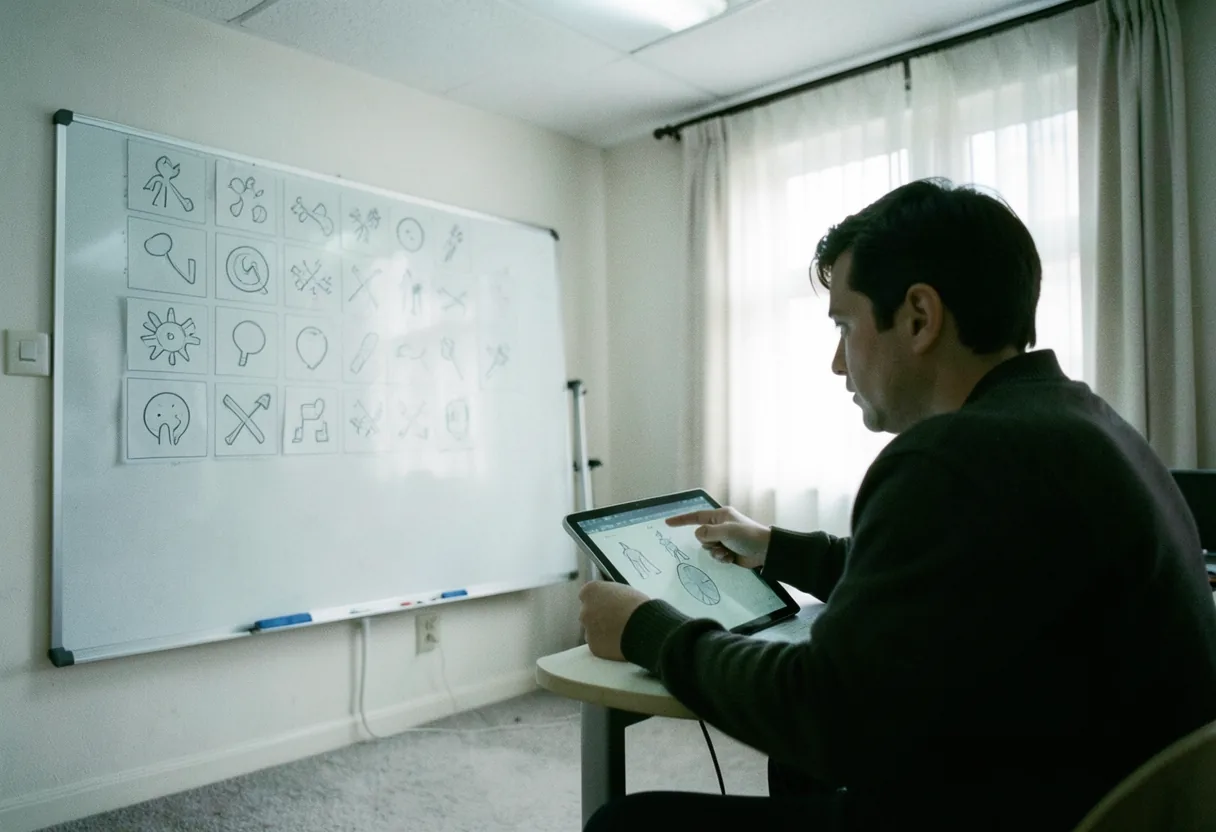
Symbol in communication refers to the use of visual aids, including pictures, symbols, and icons, within assistive speech software to help individuals express their needs, wants, and thoughts.
- Symbols in communication are widely used in augmentative and alternative communication (AAC) devices.
- Visual aids can include pictures, icons, or even text, depending on the user's needs and preferences.
- According to the American Speech-Language-Hearing Association, AAC systems can be as simple as a single picture or as complex as a computer program.
- Symbols are often categorized into different types, such as static, dynamic, and tactile symbols.
What are the types of symbols used in communication aids?
Symbols used in communication aids can be categorized into several types, each serving a unique purpose.
Static symbols are simple, unchanging images that represent a specific word or concept. These are often used in low-tech communication boards and can be found in resources like the Core Board Basics: Essential Symbols. Dynamic symbols, on the other hand, can change or be customized to represent different words or phrases. These are typically used in high-tech AAC devices and apps like Proloquo2Go. Tactile symbols are physical objects or textures that represent a word or concept, often used with individuals who have visual impairments.

How do symbols help in communication?
Symbols help in communication by providing a visual representation of words or concepts, making it easier for individuals with speech difficulties to express themselves.
Visual aids can reduce frustration and improve communication effectiveness. For example, a person using an AAC device with symbols can point to a picture of a glass of water to indicate they are thirsty. Symbols can also aid in language development and comprehension, as they provide a concrete representation of abstract concepts. In my experience, symbols have been particularly effective in helping non-verbal children understand and use language.
What is the most popular AAC app?
The most popular AAC app is Proloquo2Go, a highly customizable app designed for individuals with speech impairments.
Proloquo2Go offers a wide range of symbols, including the widely used SymbolStix and Mulberry symbols. It also features natural-sounding text-to-speech voices and the ability to create custom vocabulary. Other popular AAC apps include Actions Pictures: Dynamic AAC Symbols and TouchChat by Saltillo, which offers a variety of symbol sets and language options. When choosing an AAC app, it's important to consider the user's specific needs and preferences.
How to get an AAC device for free?
To get an AAC device for free, you can explore several options, including insurance coverage, school programs, and non-profit organizations.
Many insurance plans cover AAC devices if they are deemed medically necessary. You should consult with your healthcare provider and insurance company to understand your coverage options. Schools may also provide AAC devices for students with speech impairments as part of their individualized education program (IEP). Non-profit organizations, such as the Social Security Administration, may offer financial assistance or low-cost AAC devices. Additionally, some app developers offer free trials or discounted versions of their AAC apps, which can be a more affordable alternative.
How much does an AAC device cost?
The cost of an AAC device can vary significantly, depending on the type and features of the device.
Low-tech communication boards can cost between $10 and $50, while high-tech AAC devices can range from hundreds to thousands of dollars. For example, the cost of Proloquo2Go is around $249.99, while other high-end devices like the Tobii Dynavox can cost several thousand dollars. The cost may also include additional expenses for accessories, training, and maintenance.
What is the speech assist app for free?
Several free speech assist apps are available, offering a range of features to support individuals with speech impairments.
One popular free option is Core Board Basics: Essential Symbols, which provides a basic communication board with customizable symbols. Other free apps include Speech Assistant AAC, which offers a customizable keyboard and text-to-speech functionality, and Actions Pictures: Dynamic AAC Symbols, which focuses on dynamic symbols and visual aids. While these free apps may not offer the same level of customization and features as paid AAC apps, they can be a valuable resource for individuals looking for a low-cost solution.
Who would benefit from an AAC app?
Individuals with speech impairments, language delays, or other communication difficulties can benefit from using an AAC app.
AAC apps can support a wide range of users, from children with developmental disabilities to adults recovering from a stroke. For example, non-verbal adults with conditions like amyotrophic lateral sclerosis (ALS) or cerebral palsy can use AAC apps to express their needs and preferences. Additionally, individuals with autism spectrum disorder (ASD) or other communication challenges can benefit from the visual supports and structured language provided by AAC apps. In my experience, AAC apps have been particularly effective in helping non-verbal children develop language and communication skills.
What are AAC apps?
AAC apps are software applications designed to support individuals with speech impairments by providing alternative and augmentative communication methods.
Offering a range of features, AAC apps include customizable symbols, text-to-speech functionality, and language development tools. These apps can be used on tablets, smartphones, or dedicated AAC devices. AAC apps can be categorized into different types, such as text-based apps, symbol-based apps, and hybrid apps. For example, Actions Pictures: Dynamic AAC Symbols is a symbol-based app that focuses on dynamic symbols and visual aids, while apps like Speech Assistant AAC offer a customizable keyboard and text-to-speech functionality.
About Grid by SmartBox
Grid by SmartBox is a highly customizable AAC app designed for individuals with speech impairments.
Grid offers a wide range of features, including customizable symbols, text-to-speech functionality, and language development tools. One of the standout features of Grid is its ability to create personalized grids, allowing users to tailor the app to their specific needs and preferences. Grid also offers a variety of accessory options, such as eye-tracking devices and switches, to support users with different access needs. The app is available for both iOS and Android devices, as well as dedicated AAC devices like the Tobii Dynavox.
Review of TouchChat AAC App
TouchChat AAC app by Saltillo is a popular choice among users and professionals alike.
TouchChat offers a wide range of features, including customizable symbols, text-to-speech functionality, and language development tools. One of the standout features of TouchChat is its ability to create personalized vocabulary, allowing users to tailor the app to their specific needs and preferences. TouchChat also offers a variety of symbol sets, including the widely used PCS symbols and SymbolStix symbols. The app is available for both iOS and Android devices, as well as dedicated AAC devices like the Tobii Dynavox.
Choosing the right AAC app
Choosing the right AAC app involves considering the user's specific needs and preferences, as well as the app's features and customization options.
Here are some steps to help you choose the right AAC app:
- Assess the user's communication needs and preferences. Consider factors such as language level, symbol preferences, and access needs.
- Research different AAC apps and their features. Look for apps that offer customizable symbols, text-to-speech functionality, and language development tools.
- Consider the user's access needs. Look for apps that offer a variety of access options, such as touch, eye-tracking, or switch access.
- Evaluate the app's customization options. Look for apps that allow users to create personalized vocabulary, grids, or symbol sets.
- Consult with professionals. Speech-language pathologists (SLPs) and other professionals can provide valuable insights and recommendations.
- Try before you buy. Many AAC apps offer free trials or lite versions, allowing users to test the app before making a purchase.
My current personal favorite: Grid by SmartBox
SmartBox's Grid is my current personal favorite AAC app, due to its high level of customization and user-friendly interface.
Grid's ability to create personalized grids first impressed me, allowing users to tailor the app to their specific needs and preferences. Grid also offers a wide range of features, including customizable symbols, text-to-speech functionality, and language development tools. Additionally, Grid's compatibility with a variety of access options, such as eye-tracking devices and switches, makes it a versatile choice for users with different access needs. In my experience, Grid has been particularly effective in supporting non-verbal individuals in developing language and communication skills.
Communication apps for non-verbal adults
Communication apps for non-verbal adults offer a range of features to support individuals with speech impairments.
These apps typically focus on providing alternative and augmentative communication methods, such as text-to-speech functionality and customizable symbols. For example, Core Board Basics: Essential Symbols offers a basic communication board with customizable symbols, while apps like Speech Assistant AAC provide a customizable keyboard and text-to-speech functionality. Other popular communication apps for non-verbal adults include Actions Pictures: Dynamic AAC Symbols and TouchChat by Saltillo, which offer a variety of symbol sets and language options. When choosing a communication app for non-verbal adults, it's important to consider the user's specific needs and preferences, as well as the app's features and customization options.
Why I love Grid by SmartBox
I love Grid by SmartBox for several reasons, including its high level of customization, user-friendly interface, and compatibility with a variety of access options.
One of the standout features of Grid is its ability to create personalized grids, allowing users to tailor the app to their specific needs and preferences. This level of customization is particularly important for non-verbal individuals who may have unique communication needs. Additionally, Grid's compatibility with a range of access options, such as eye-tracking devices and switches, makes it a versatile choice for users with different access needs. In my experience, Grid has been particularly effective in supporting non-verbal individuals in developing language and communication skills.
In summary, symbols in communication are vital for assistive speech software, offering visual aids that help individuals convey their needs, wants, and thoughts. Knowing the various types of symbols, their benefits, and how to select the right AAC app can significantly improve communication for non-verbal individuals.
Frequently asked questions
Why are visual aids considered powerful in communication?
Visual aids tap into the brain’s preference for processing images over text. Studies show that people retain 65% of information when paired with a relevant image, compared to just 10% with text alone. This is why infographics, diagrams, and charts enhance message clarity and retention.
What types of visual aids are most effective for different audiences?
For technical audiences, detailed diagrams or flowcharts work best. General audiences respond well to simple infographics or short videos. Presentations to executives benefit from clean, data-driven slides. Always tailor the visual aid to the audience’s familiarity with the topic and their preferred learning style.
How can visual aids prevent miscommunication?
Visual aids eliminate ambiguity by providing a concrete reference. For example, a color-coded map clarifies regional differences better than a text description. Similarly, a timeline diagram prevents confusion about event sequences. Visuals ensure everyone interprets the information consistently.
What are common mistakes to avoid when using visual aids?
Overcrowding slides with too much text or data is a frequent error. Another mistake is using complex visuals without explanation. Always keep designs simple and ensure every element serves a purpose. Test visuals with a small group beforehand to confirm clarity and effectiveness.