
Core Board Basics: Essential Symbols
Chad Sherman · on 24 July 2026 · 8 min read · Last reviewed 24 July 2026
Core Board Basics: Essential Symbols
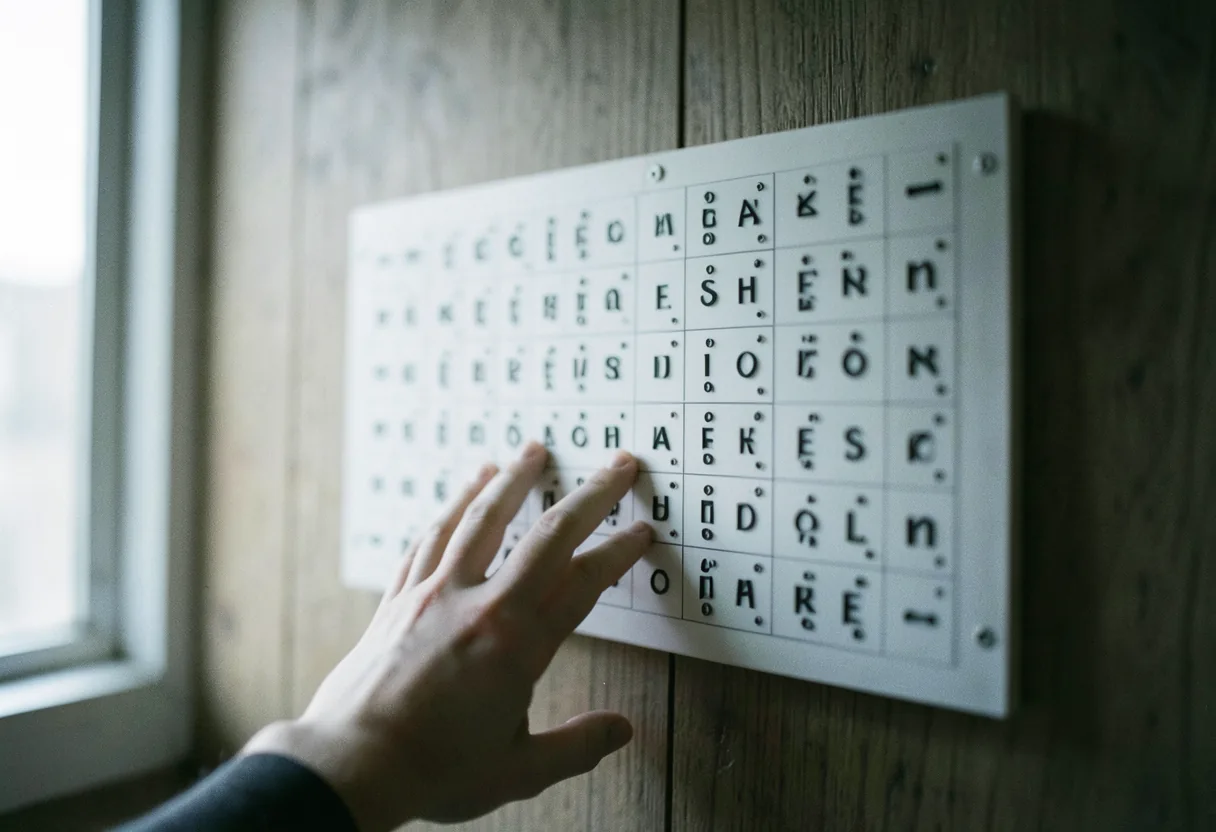
A **core board** is a communication tool featuring essential symbols that represent frequently used words or phrases, enabling non-verbal individuals to express their needs and thoughts.
- Core boards typically contain 40-60 core words, covering basic needs, actions, and descriptions.
- Symbols on core boards are often based on standardized pictograms, such as those from the Picture Communication Symbols (PCS) set.
- Core boards can be physical boards, flip books, or digital apps.
- According to the American Speech-Language-Hearing Association (ASHA), core boards are a fundamental tool in augmentative and alternative communication (AAC).
How to Create a Core Board
To create a core board, start with a simple grid layout and populate it with symbols representing core words, such as "eat," "drink," "go," and "help."
- Core words make up about 80% of what we say daily, according to research from the University of North Carolina at Chapel Hill.
- Common core words include pronouns, verbs, adjectives, and question words.
- Core boards can be customized to fit the user's specific needs and vocabulary.
- Free symbol libraries, like those from Mayer-Johnson or ARASAAC, can be used to create core boards.
Core boards can be created using various methods, from hand-drawn symbols on paper to digital apps like Boardmaker or CoughDrop. For a more personalized touch, you can also use photos or drawings that are meaningful to the user. The key is to ensure the symbols are clear, consistent, and easily recognizable.
How to Use a Core Board
To use a core board, the user points to or gazes at the symbols in the order of the words they want to communicate.
- Core boards can be used to communicate needs, feelings, and opinions.
- Users can combine symbols to form phrases and sentences.
- Core boards can be used in conjunction with speech, gestures, or other AAC methods.
- According to ASHA, core boards are often used as a starting point for individuals new to AAC.
When using a core board, it's essential to model its use by pointing to the symbols as you speak. This helps the user understand how to use the board and encourages them to try it themselves. You can also use the core board to ask questions, comment on activities, and engage in conversation.
Core Board vs. AAC Apps
A core board is a low-tech AAC tool, while AAC apps are high-tech digital tools that offer more features and customization options.
- Core boards are typically less expensive and more accessible than AAC apps.
- AAC apps often include features like text-to-speech, word prediction, and customizable grids.
- Popular AAC apps include Proloquo2Go and TouchChat.
- According to a study published in the Journal of Communication Disorders, both low-tech and high-tech AAC tools can be effective in improving communication skills.
AAC Apps Free and Paid Options
There are several free and paid AAC apps available, catering to different needs and budgets.
- Free AAC apps may have limited features or vocabulary, while paid apps offer more customization and support.
- Some AAC apps offer free trials or lite versions, allowing users to test the app before purchasing.
- Paid AAC apps typically range from $100 to $300, with some offering monthly subscription plans.
- The most popular AAC app is Proloquo2Go, which offers a comprehensive vocabulary and customizable features.
How to Get an AAC Device for Free
To get an AAC device for free, you can explore insurance coverage, grants, or loan programs offered by organizations like the [United States Society for Augmentative and Alternative Communication (USSAAC)](https://en.wikipedia.org/wiki/United_States_Society_for_Augmentative_and_Alternative_Communication).
- Some insurance plans cover AAC devices as durable medical equipment.
- Organizations like the [American Speech-Language-Hearing Foundation](https://en.wikipedia.org/wiki/American_Speech-Language-Hearing_Association) offer grants for AAC devices.
- School districts may provide AAC devices for students with communication needs.
- Loan programs, such as those offered by the [TASH](https://en.wikipedia.org/wiki/TASH_(organization)) organization, allow users to borrow AAC devices for a specified period.
Who Would Benefit from an AAC App?
Individuals with speech impairments, developmental disabilities, or acquired conditions like aphasia can benefit from using AAC apps.
- AAC apps can help non-verbal individuals communicate their needs and thoughts.
- Children with developmental disabilities, such as autism, can use AAC apps to improve their communication skills.
- Adults with aphasia or other acquired conditions can benefit from AAC apps to supplement their speech.
- According to ASHA, AAC apps can also support literacy development and cognitive skills.
Popular AAC Apps: Proloquo2Go and TouchChat
Proloquo2Go and TouchChat are two popular AAC apps offering comprehensive vocabulary and customizable features.
- Proloquo2Go offers a natural sounding text-to-speech voice and a research-based vocabulary.
- TouchChat provides customizable grids and a wide range of symbol sets.
- Both apps offer free trials or lite versions for users to test before purchasing.
- Proloquo2Go and TouchChat are available for iOS and Android devices.
| AAC App | Platform | Price | Key Features |
|---|---|---|---|
| Proloquo2Go | iOS, Android | $249.99 | Natural sounding voices, research-based vocabulary, customizable grids |
| TouchChat | iOS, Android | $199.99 | Customizable grids, wide range of symbol sets, built-in word prediction |
My Current Personal Favorite: Grid by SmartBox
The first time I really looked at Grid by SmartBox, I was impressed by its adaptability and the wide range of accessibility features it offers.
- Grid by SmartBox offers over 10,000 pre-made grid sets catering to various communication needs.
- The app features predictive text and word prediction to enhance communication efficiency.
- Grid by SmartBox is compatible with eye gaze technology and switch access for users with limited mobility.
- According to the [Smartbox](https://en.wikipedia.org/wiki/Smartbox_(company)) website, the app is used by over 150,000 individuals worldwide.
About Grid by SmartBox
Grid by SmartBox is an AAC app developed by Smartbox Assistive Technology, a company specializing in assistive communication solutions.
- Grid by SmartBox is available for Windows, iOS, and Android devices.
- The app offers a free 30-day trial for users to explore its features.
- Grid by SmartBox provides access to a cloud-based platform, allowing users to share and sync their grid sets across devices.
- The app supports multiple languages and accents, making it suitable for users worldwide.
Why I Love Grid by Smartbox
I love Grid by Smartbox for its user-friendly interface, extensive customization options, and strong community support.
- Grid by Smartbox offers a wide range of pre-made grid sets, catering to various communication needs and age groups.
- The app's predictive text and word prediction features enhance communication efficiency and accuracy.
- Grid by Smartbox provides access to a community forum, allowing users to share grid sets, tips, and success stories.
- The app's compatibility with eye gaze technology and switch access makes it accessible to users with limited mobility.
Review of TouchChat AAC App
TouchChat AAC app provides a comprehensive communication tool with customizable grids, a wide range of symbol sets, and built-in word prediction.
- TouchChat offers over 13,000 symbols from SymbolStix, PCS, and Mulberry symbols.
- The app features natural sounding voices from Acapela Group and Ivona.
- TouchChat provides access to a cloud-based platform, allowing users to share and sync their vocabularies across devices.
- According to the [Saltillo](https://en.wikipedia.org/wiki/Saltillo_Corporation) website, TouchChat is used by over 200,000 individuals worldwide.
How to Choose the Right AAC App
To choose the right AAC app, consider the user's communication needs, age, and preferences, as well as the app's features, customization options, and cost.
- Evaluate the app's vocabulary and symbol sets to ensure they cater to the user's communication needs.
- Consider the app's accessibility features, such as eye gaze technology and switch access.
- Look for apps that offer free trials or lite versions, allowing users to test the app before purchasing.
- Consult with a speech-language pathologist or AAC specialist to determine the most suitable app for the user.
Steps to Implement an AAC App
To implement an AAC app successfully, follow these steps:
- Assess the user's communication needs and preferences.
- Choose an AAC app that caters to those needs and offers the necessary features.
- Customize the app's vocabulary and symbol sets to fit the user's unique communication style.
- Model the use of the AAC app by pointing to the symbols as you speak.
- Encourage the user to practice using the app in various communication situations.
- Monitor the user's progress and make adjustments to the app's settings as needed.
- Provide ongoing support and training to ensure the user's success with the AAC app.
Practical Takeaway
Core boards and AAC apps are powerful tools that can significantly improve communication for non-verbal individuals. Learning the basics of core boards, reviewing popular AAC apps, and following the steps to implement these tools successfully can make a meaningful difference in someone's life.
Frequently asked questions
What's the purpose of the reset symbol on a circuit board?
The reset symbol, resembling an arrow in a circle, indicates a reset circuit. When activated, it clears or restores the circuit to its initial state. Common in microcontrollers and digital systems, it ensures predictable behavior after power-up or faults.
How do I identify a ground symbol on a schematic?
Ground symbols appear as three descending horizontal lines. They denote the reference point for voltage measurements. In schematics, they simplify complex circuits by showing common connections. Multiple grounds may share this symbol, but they must connect physically.
What does the triangle in a circle symbol mean?
This symbol represents an amplifier. The triangle points right, with inputs on the left and outputs on the right. It highlights components like operational amplifiers (op-amps), which amplify signals. The exact behavior depends on surrounding components and configuration.
Why are power symbols important in circuit diagrams?
Power symbols, like circles with horizontal lines or arrows, indicate power supply connections. They clarify which components receive power and from which source. Properly labeled, they prevent confusion and ensure correct wiring, especially in complex systems with multiple voltage levels.